

In 2025, we shared our full tool stack.
Everything we were using at the time. Everything we were testing. Some tools we loved, some we were still unsure about. It made sense back then. We were still figuring out what deserved a permanent place and what was just passing through.
A year later, the list looks quite different.
Not because the tools were bad.
But because our work changed. Our clients changed. And some things that felt essential in theory became unnecessary in practice.
This is not a “here’s everything we use” post. It’s a “these are the ones we’d happily pay for again tomorrow” post.
The tools that earned their place
Every year there’s a new “must-have” tool.
Someone on LinkedIn will swear they cracked the code with 50 apps, a four-figure monthly stack, and a dashboard for everything. Good for them.
We’ve gone the opposite way.
Keeping work and deadlines under control
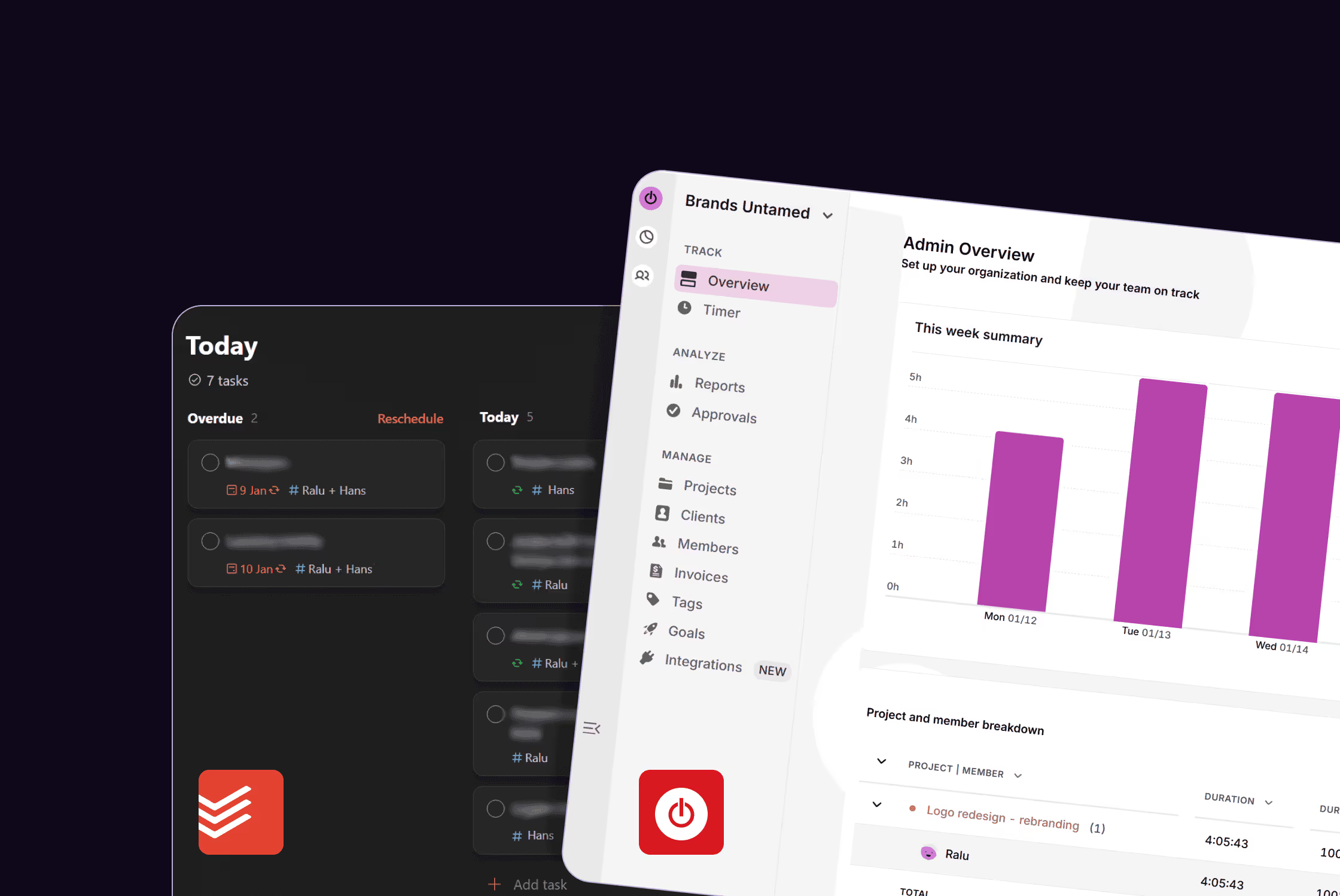
Toggl
Time tracking is one of those things that sounds simple until it doesn’t work properly.
We use Toggl to understand where time actually goes across projects. Not to micromanage ourselves, but to spot patterns, scope work properly, and avoid underestimating effort. It’s especially useful when projects grow in layers and timelines blur.
And when we issue invoices, we know exactly where our time went, and we can show reports.
Todoist
This is the one task manager that survived everything else.
It’s simple, it’s fast, and it doesn’t try to be a second brain. If something isn’t in Todoist, it’s probably not happening. That’s the rule. It keeps client work moving and stops small things from quietly becoming big problems.
No dashboards. No setup rituals. Just tasks that get done.
Design tools we rely on
Not all jobs need the big guns. But when they do, these are non-negotiable.
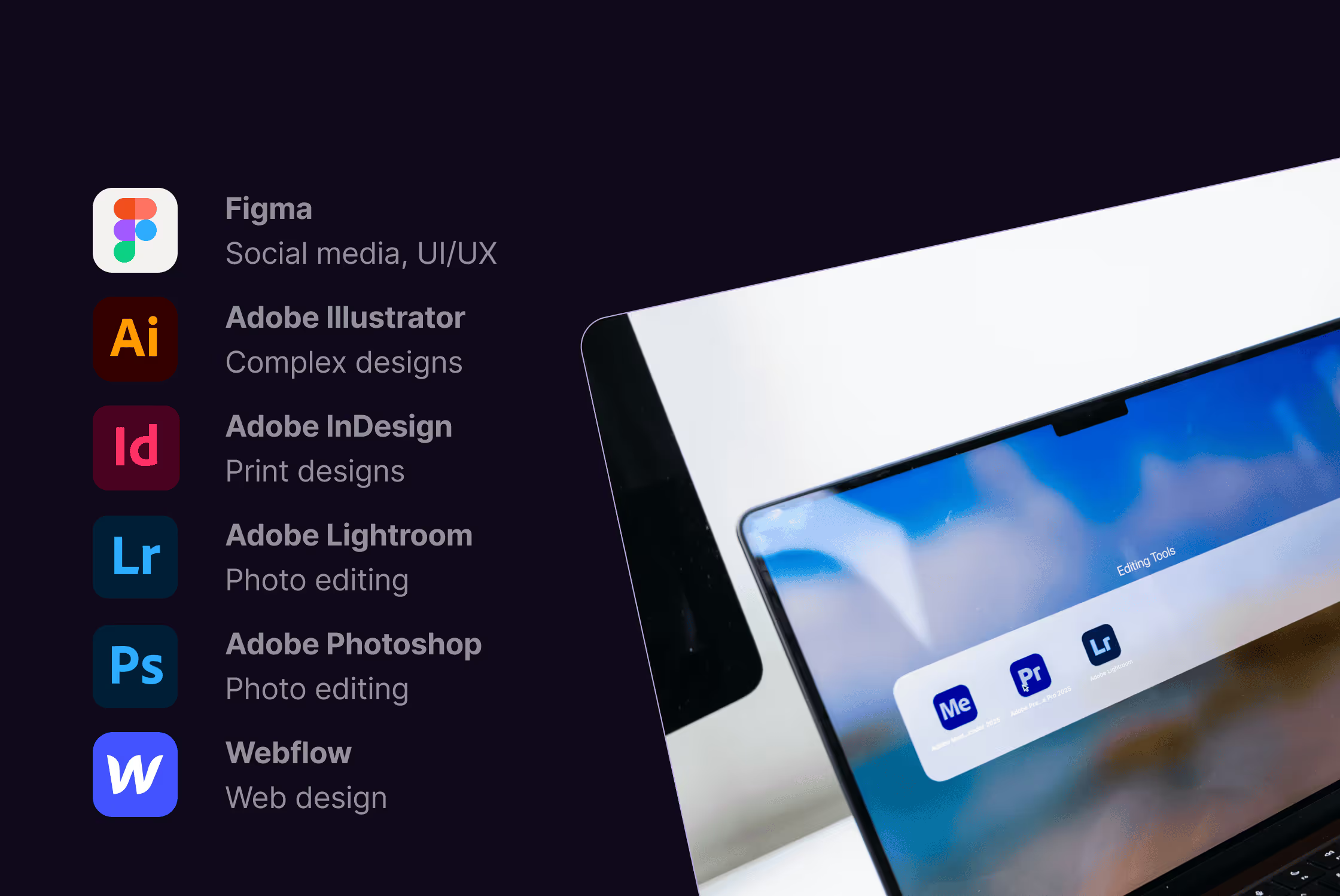
Figma
Most of our design work lives here. Websites, brand systems, social visuals, client collaboration. It’s fast, flexible, and built for working with other people, not against them.
We’ve tried alternatives. We didn’t stick with them.
Adobe Illustrator
This is where we go when things need to be exact. Logos, icons, anything vector-based. It’s not the quickest tool, but it’s the one we trust when precision matters.
Adobe InDesign
Long documents, reports, brochures. Anything where structure and hierarchy actually matter. There are lighter tools out there, but this is still the one that holds up when files get complex.
Adobe Photoshop
We don’t use Photoshop for everything. But when an image needs real control, retouching, compositing, or fixing something that no other tool quite handles properly, this is where we go.
It earns its place by solving problems others can’t.
Adobe Lightroom
Every photo goes through here. No heavy filters, no trends. Just clean edits, consistent tones, and visuals that don’t fight the brand.
Websites without fighting the builder
Webflow
When we want full control over how a site looks and works, this is it. Custom layouts, interactions, and performance without code headaches. The site does what it’s supposed to do, and we stay in control.
Video, motion, and “please don’t make this harder than it needs to be”
Veed
This quietly replaced more tools than we expected.
Editing, subtitles, screen recordings, quick exports. It covers a lot of ground, which is exactly why we stopped needing separate tools for each small task.
Fewer tools, fewer overlaps, fewer “wait, where do we do this again?” moments.
LottieFiles
We use this when we want motion without the headache. Small animations, micro-interactions, subtle movement that makes a design feel more alive without turning it into a production.
Content, social, and the unglamorous stuff
Hootsuite
Scheduling, tracking, and managing multiple brands in one place. It’s not exciting, but it’s reliable. That matters more.
Meta Business Suite
We mainly use it for ads and campaign tweaks. It’s not perfect, but it does what we need it to do. We don’t try to make it more than that.
HubSpot
This is where the bigger picture comes together. Email, landing pages, automation, lead tracking. It helps connect things instead of creating more silos.
Grammarly
We write fast. Grammarly helps catch the obvious stuff before it goes out. Simple as that.
AI tools that actually help us
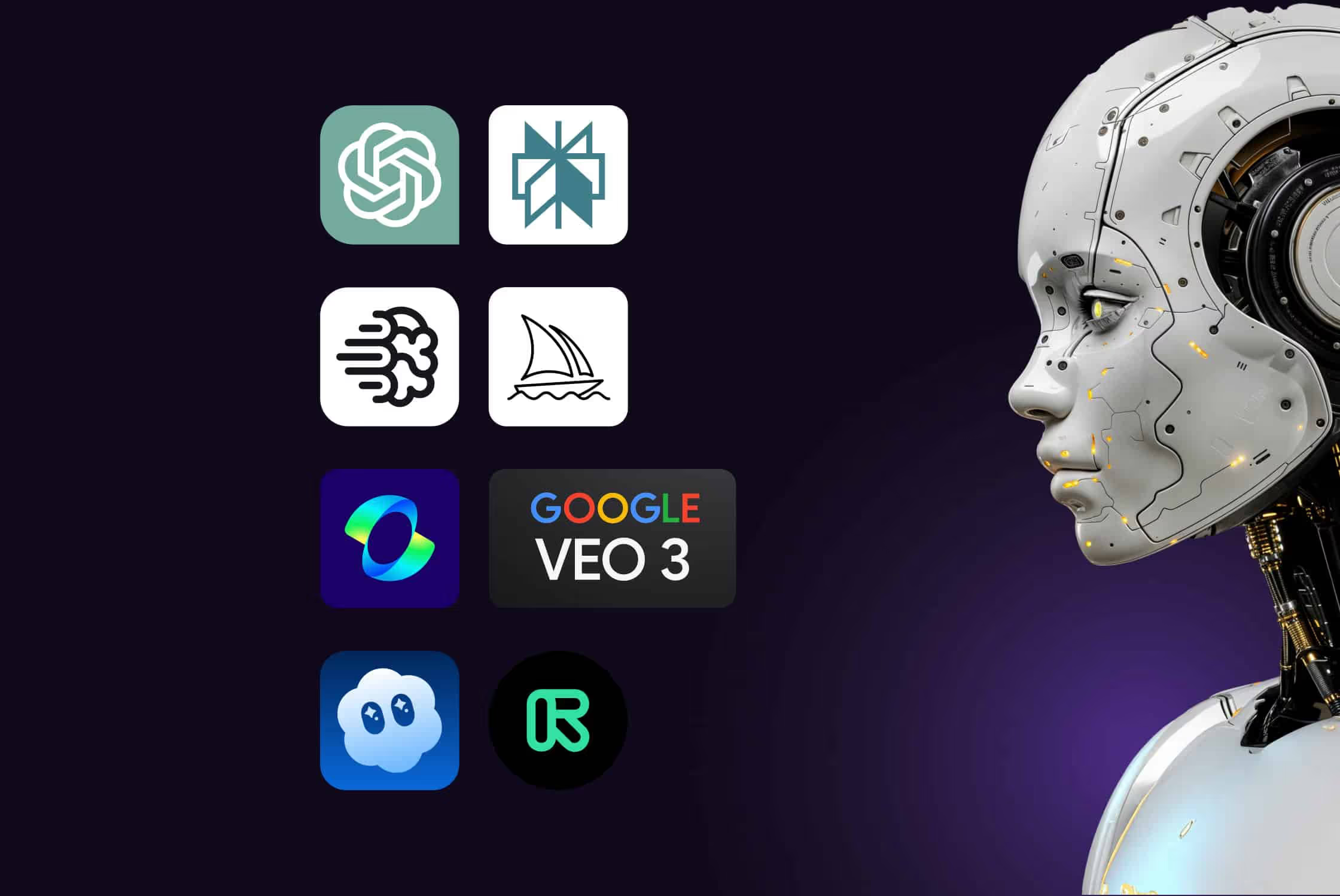
ChatGPT and Perplexity
We use them as thinking partners. Drafting, refining copy, researching, sanity-checking ideas. Useful when you want to move faster without opening 15 tabs.
Midjourney and Ideogram
We use these for visual exploration, bold headlines, social visuals, and mockups that actually include readable text.
Not final assets. Starting points.
In 2026, we expanded our AI video and motion setup:
- Kling
- Veo 3.1
- Sora Pro
- Runway
These help us test ideas faster, explore motion without heavy production, and prototype before committing to full builds. They’re not replacing creative work. They’re removing friction early on.
If a tool helps us think or test faster, it stays.
If it becomes frustrating to use, it goes.
Tools we stopped using (and why)
If you read our 2025 tool stack, some of these will look familiar.
They didn’t disappear overnight. They just slowly stopped earning their place.
Notion
We loved Notion when we started. It helped us organise ideas, plan projects, and keep things tidy.
But most of our corporate clients don’t use it. And as a lean agency, we made a clear decision: we work inside our clients’ systems instead of asking them to adopt new ones.
We’re not interested in giving clients another tool to pin to their desktop. Less friction beats prettier dashboards.
So Notion didn’t fail us (we still love it!).
It just stopped fitting our reality.
CapCut
CapCut did exactly what it promised. Quick edits, easy mobile workflows.
But once Veed became part of our daily setup, we didn’t need both. One tool doing more beats two tools doing half.
Loom
Same story. Screen recording moved into Veed, which made Loom redundant. We trimmed the stack instead of maintaining overlap.
Where this leaves us
This list will probably change again.
But right now, these are the tools we reach for without thinking. The ones we don’t have to explain to clients, work around, or constantly justify.
If you’re curious what our setup looked like before we trimmed things down, you can still read our full 2025 tool stack here.
This one is about what’s left.
One last note
You might notice a few things missing here. Tools for social listening. Heavy CRMs. Advanced social analytics platforms.
That’s intentional.
Most of our clients already have these systems in place. When they do, we work inside their setup instead of rebuilding everything in ours. We use their dashboards, reporting frameworks, and data to inform decisions.
It keeps collaboration smoother, avoids duplication, and means insights actually get used, not just exported.
And when they don’t, we help them choose and set up what actually makes sense for their needs, sometimes temporarily, sometimes long term.